
I tried out three GUI (graphical user interface) based tools to realize I still prefer coding more.

I’ve been trying to keep a log of artists and designers I admire that I come across online [ref: Digital Art Inspiration]. Since then I have been doing some research and experimentation with a few different tools. I wanted to focus on image manipulation using blend modes and masking, while keeping it simple rather than adding complexities like ASCII or other visual elements.
1. Aseprite: Mallard
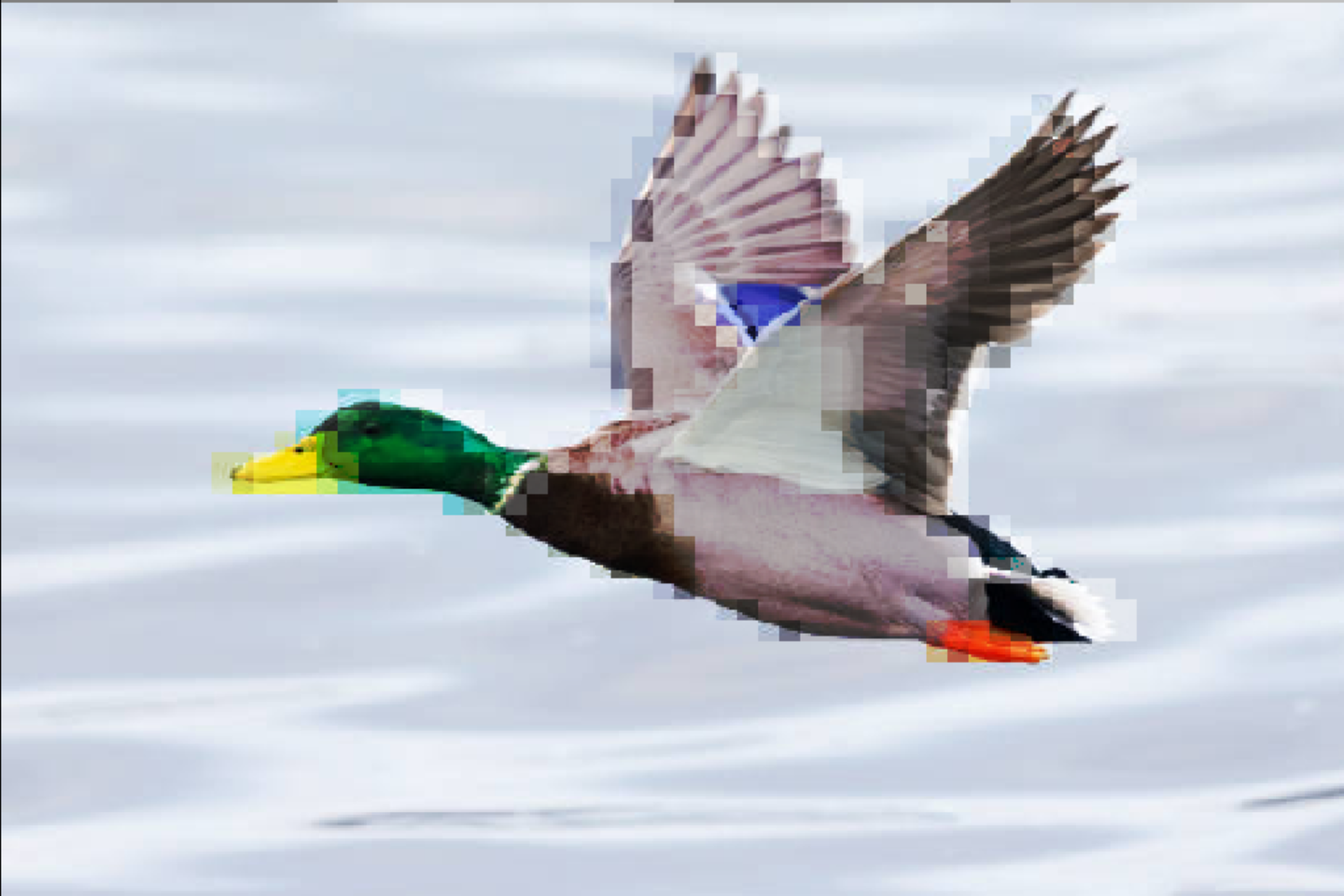
Originally, I started with Aseprite since it was a pixel-focused workflow. While it was useful to set the pixel grid and add blend modes, adding the reference image was strange. It lowered the resolution in a way I couldn’t control and would not export it along with pixel layers so I ended up having to screenshot it which felt like a hack. I tried exporting the layers and adding that on top of the image in a different application, but it feels like, “why am I jumping from program to program, adding all these steps?”
2. Affinity Photo: Deer
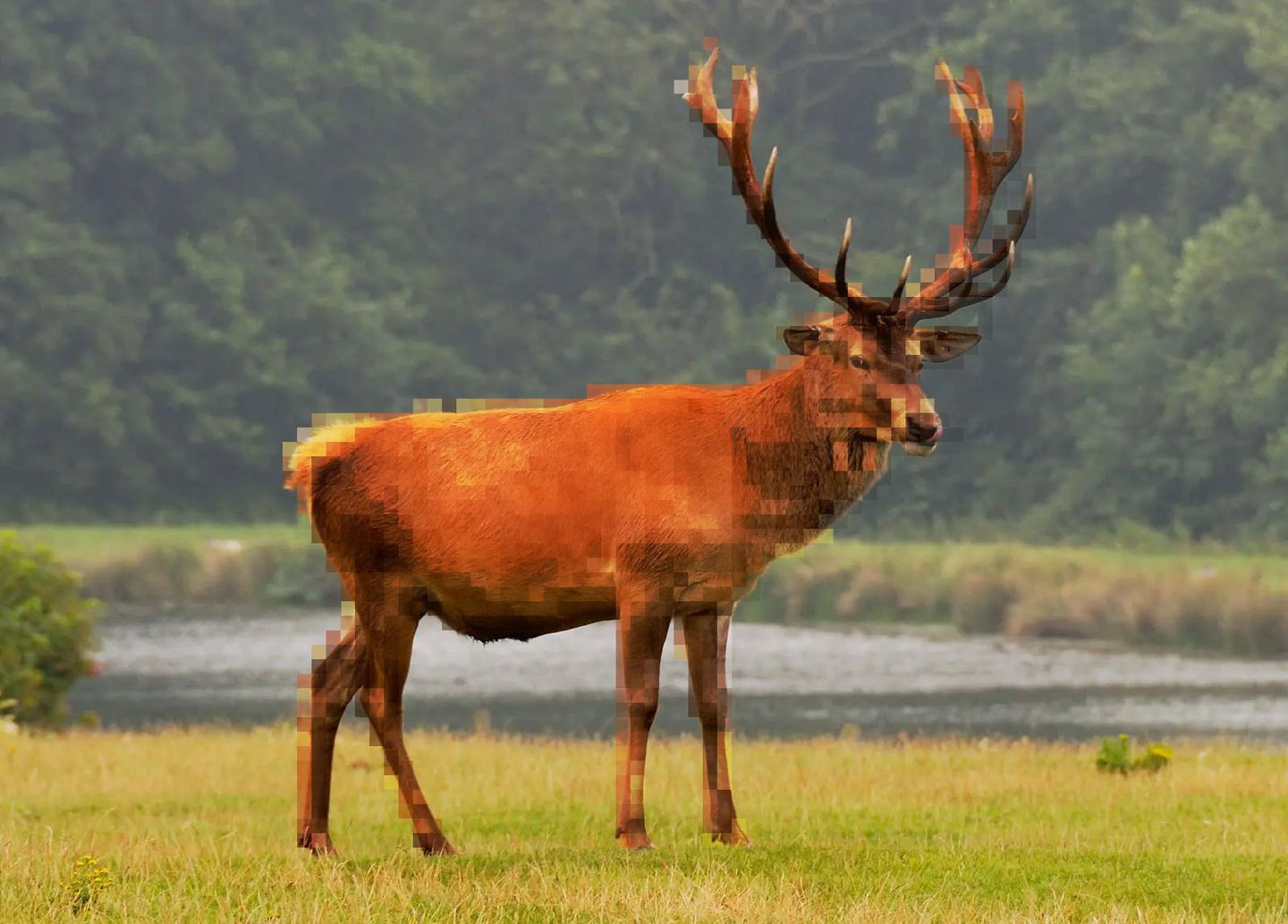
Moving on to something I used to know well, Affinity is in a weird spot right now since it got bought out by Canva and went from a one-time purchase, to a free tier with a subscription for AI and other stuff, which feels like the opposite reason of why I bought it originally. Anyways, the application was by far the most capable and precise, yet a lot of it felt difficult to truly control in a way that felt reproducible. The fact that there are 3 distinct versions now make it difficult to look up proper documentation, not to mention none of them have official Linux support. I am hesitant to invest any more time into it until I know what the future looks like for Affinity.
3. Figma: Wolf
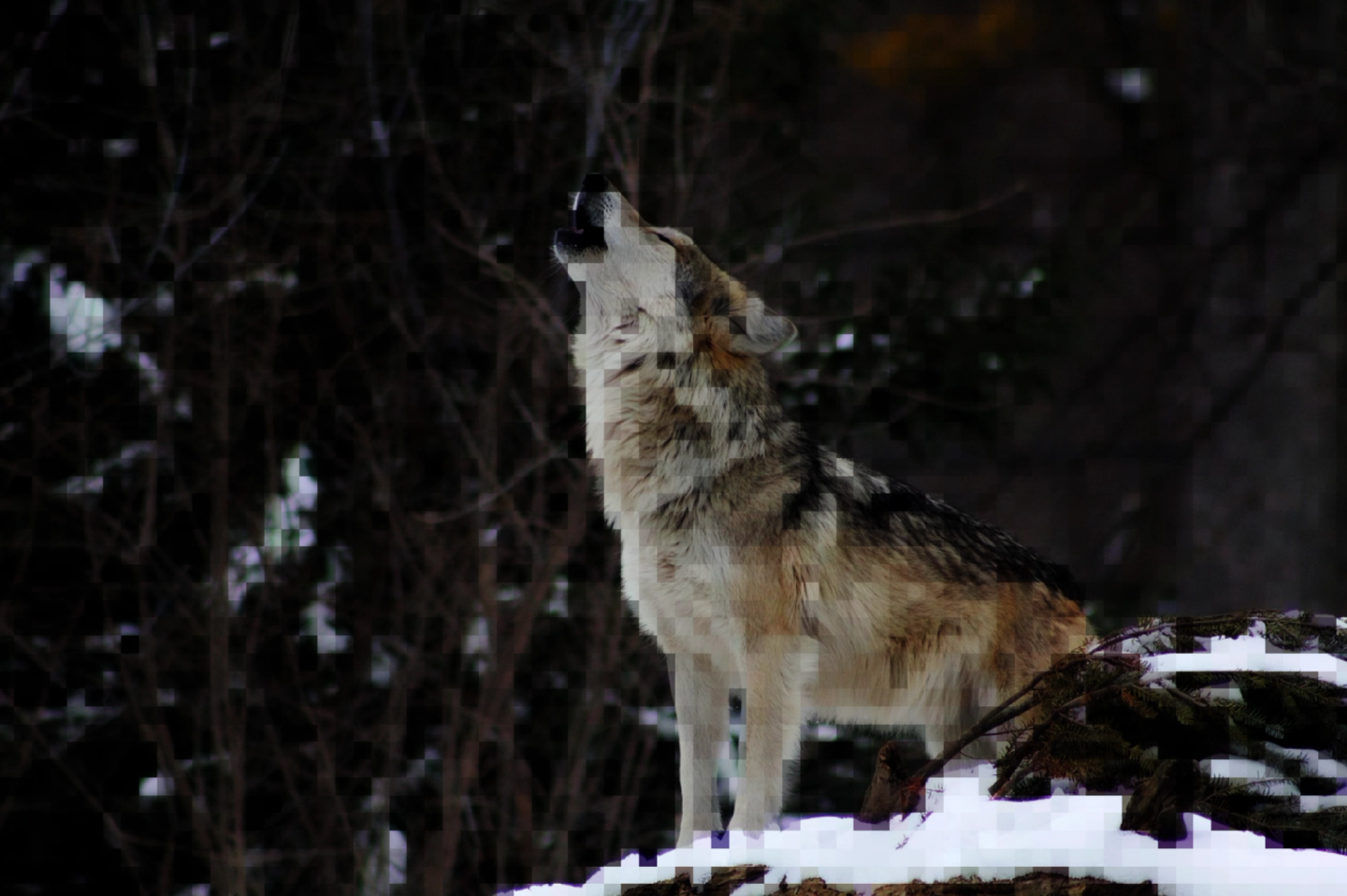
Finally, I tried Figma, which is what I typically use to prototype my web development ideas, and I would say for this project it was objectively the worst. Blend modes and layers are all there but for this workflow everything seemed like a workaround rather than something that this tool was good at. I wanted to see what I could get away with, yet realizing that the browser-based version has a lot of limitations since it is mostly vector based within the Canvas API. I think there are third-party plugins that could work but I don’t want to depend on those, and might as well just code my own stuff outside of the Figma sandbox. Which honestly is what I think I should be doing.
4. Conclusion
My main takeaway is that while I still think I need a basic GUI tool for everyday things like light raster editing and minor touch ups, I would prefer to use tools that provide more durability, repeatability, inspection and consistency for what I am trying to achieve creatively.
All of these applications made me realize that regardless of what I am doing, I will be using multiple tools to create a final product, so I think I would prefer my primary tools be something code-based as they are less likely to be changing with trends and more consistent over time. My initial thoughts are learning Canvas API and p5.js or the Python library Pillow with ImageMagick.